A tour of the Trimly demo
Seven stops through a fictional salon's booking product: an agent on the landing page in one script tag, then agent mode inside the app, every interface drawn for the request.
Read as .md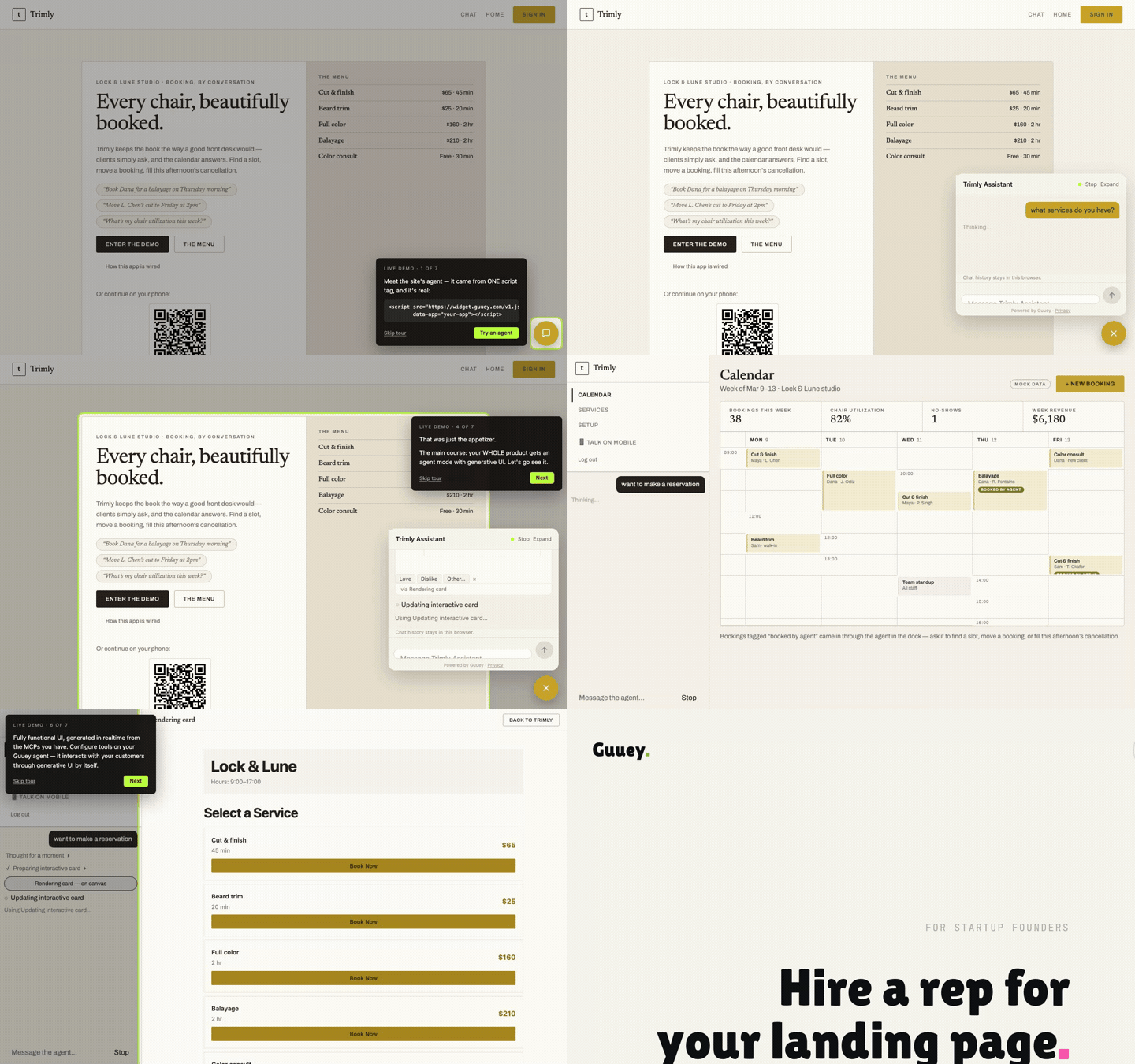
Trimly is a fictional salon booking product we built so both doors of Guuey could be seen in one place, and its live demo runs a tour of 7 stops. This post walks the tour stop by stop, with the frames as they play.
The demo’s premise is small on purpose. A salon called Lock & Lune has a landing page with a service menu, a booking calendar, and a front desk that answers questions all day. In the demo the front desk is a Guuey agent, briefed once in a single system prompt, and the tour shows what that one agent does on the page, inside the product, and on a phone.
Stop 1: one script tag
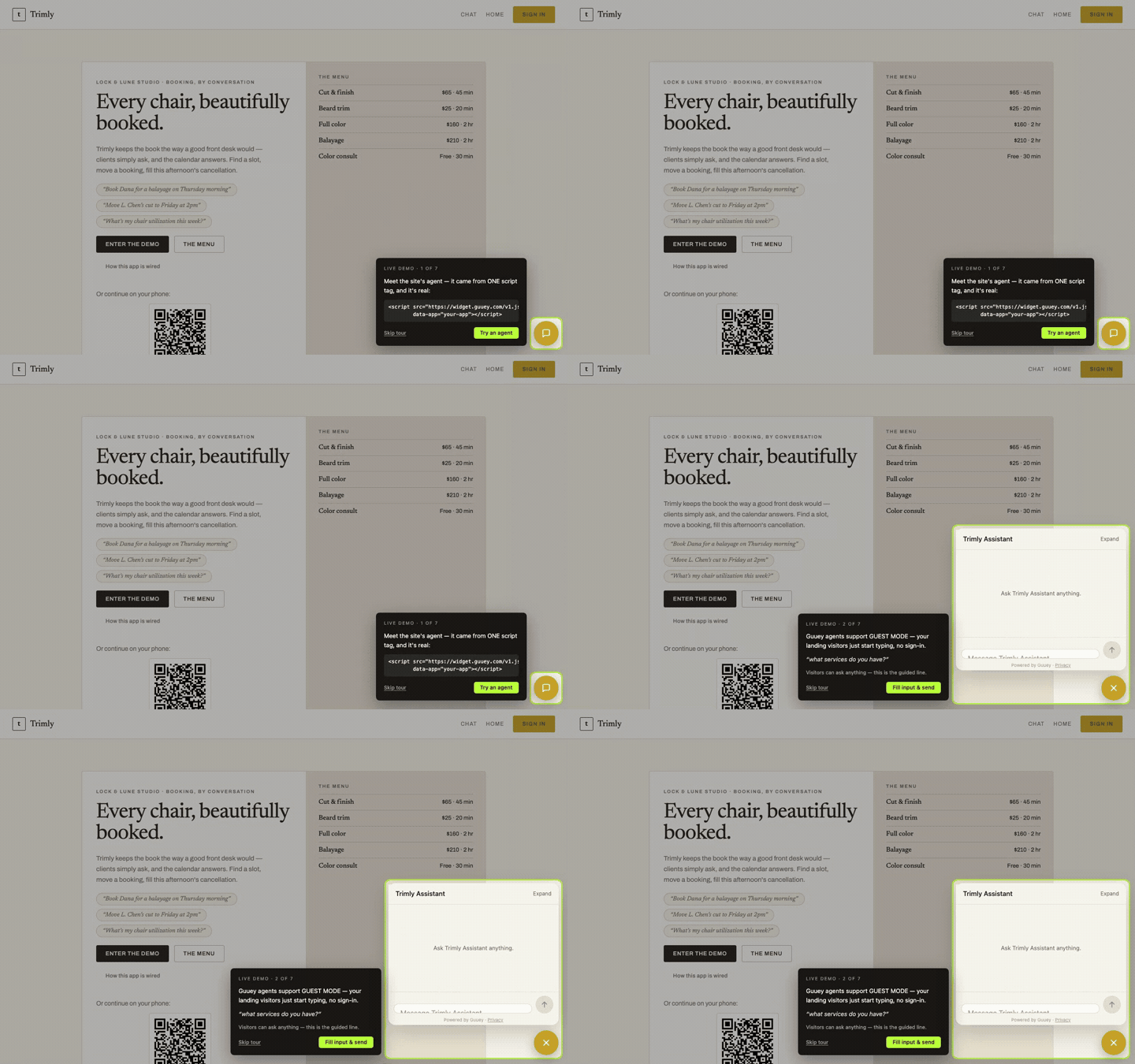
The tour opens on the landing page, with the chat launcher outlined in the corner and a card that says the site’s agent came from one script tag, and that it is real. The card shows the tag itself. Clicking the launcher opens an empty Trimly Assistant panel, and that is the whole install: the page did not change, the agent moved in.
Stop 2: guest mode
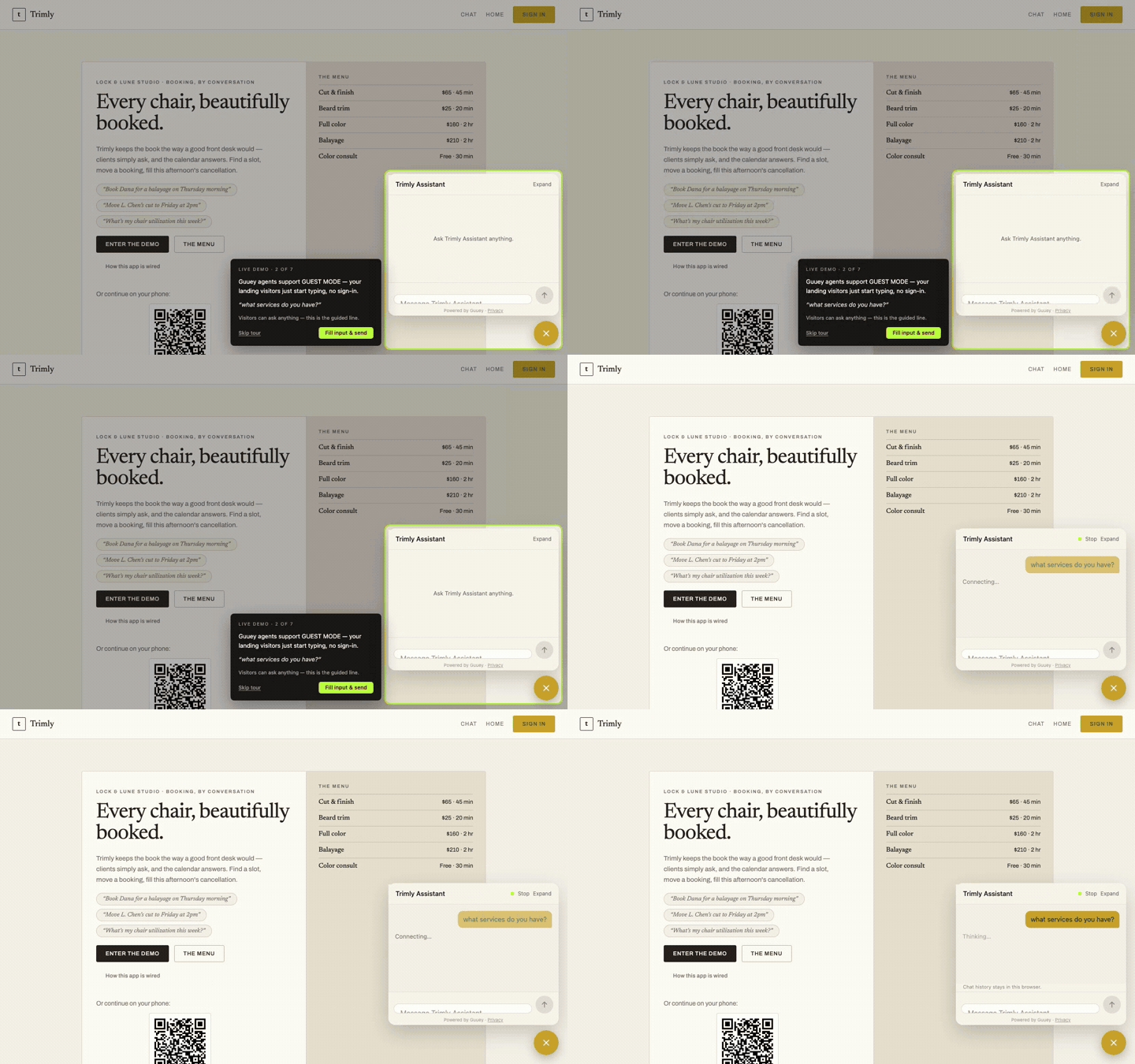
Visitors do not sign in to ask. Guest mode is on by default for a landing-page agent, so the tour simply types the first question, “what services do you have?”, into the panel and sends it.
Stop 3: the first card
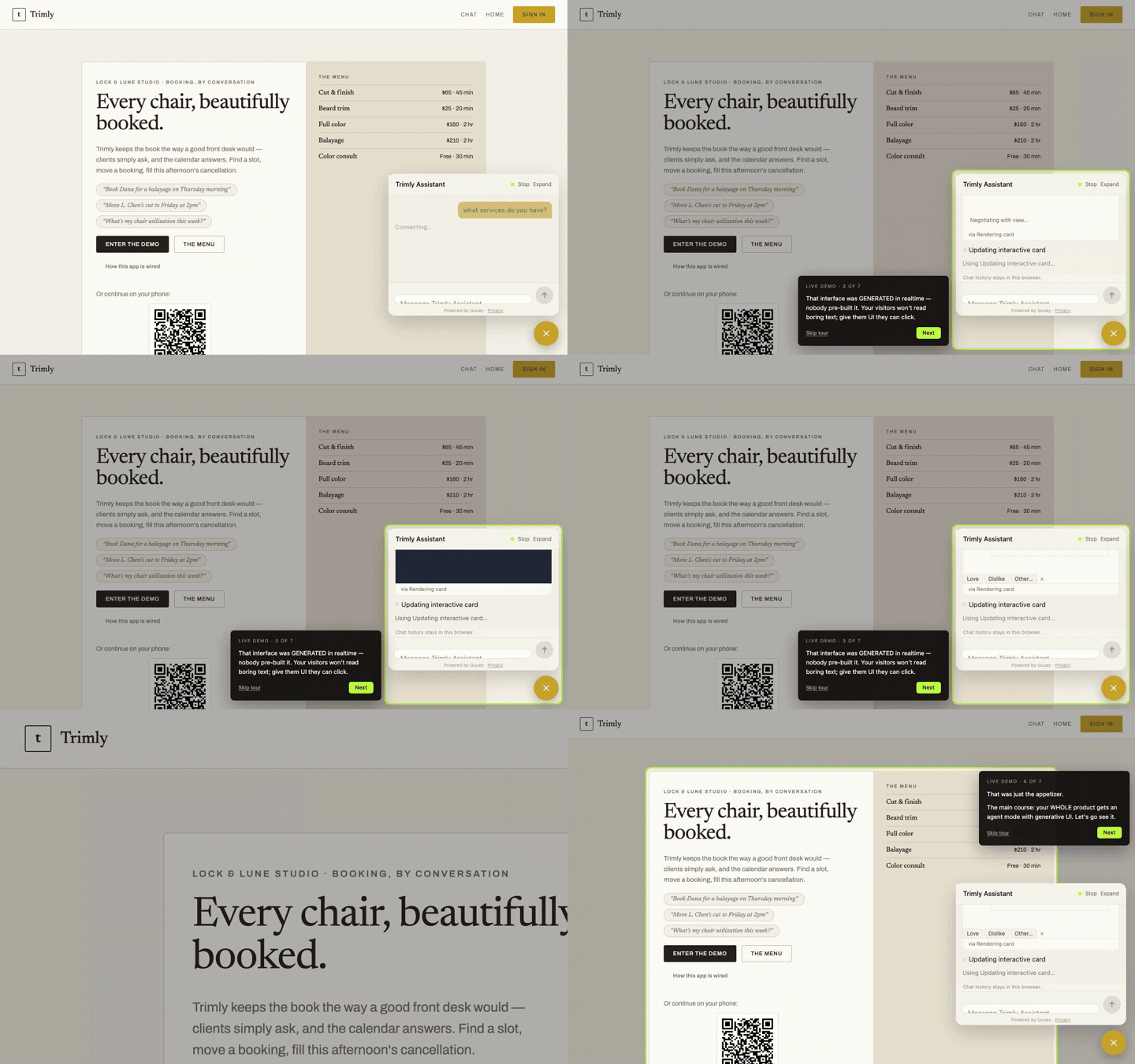
The reply is not a paragraph. The panel shows its work in short status lines (a moment of thought, a card being prepared, a card being rendered, a card being updated) and then a services card slides into the transcript with the menu on it and a row of reaction chips underneath. The tour’s third card makes the point plainly: nobody pre-built that interface; it was generated for the question.
Stop 4: the appetizer
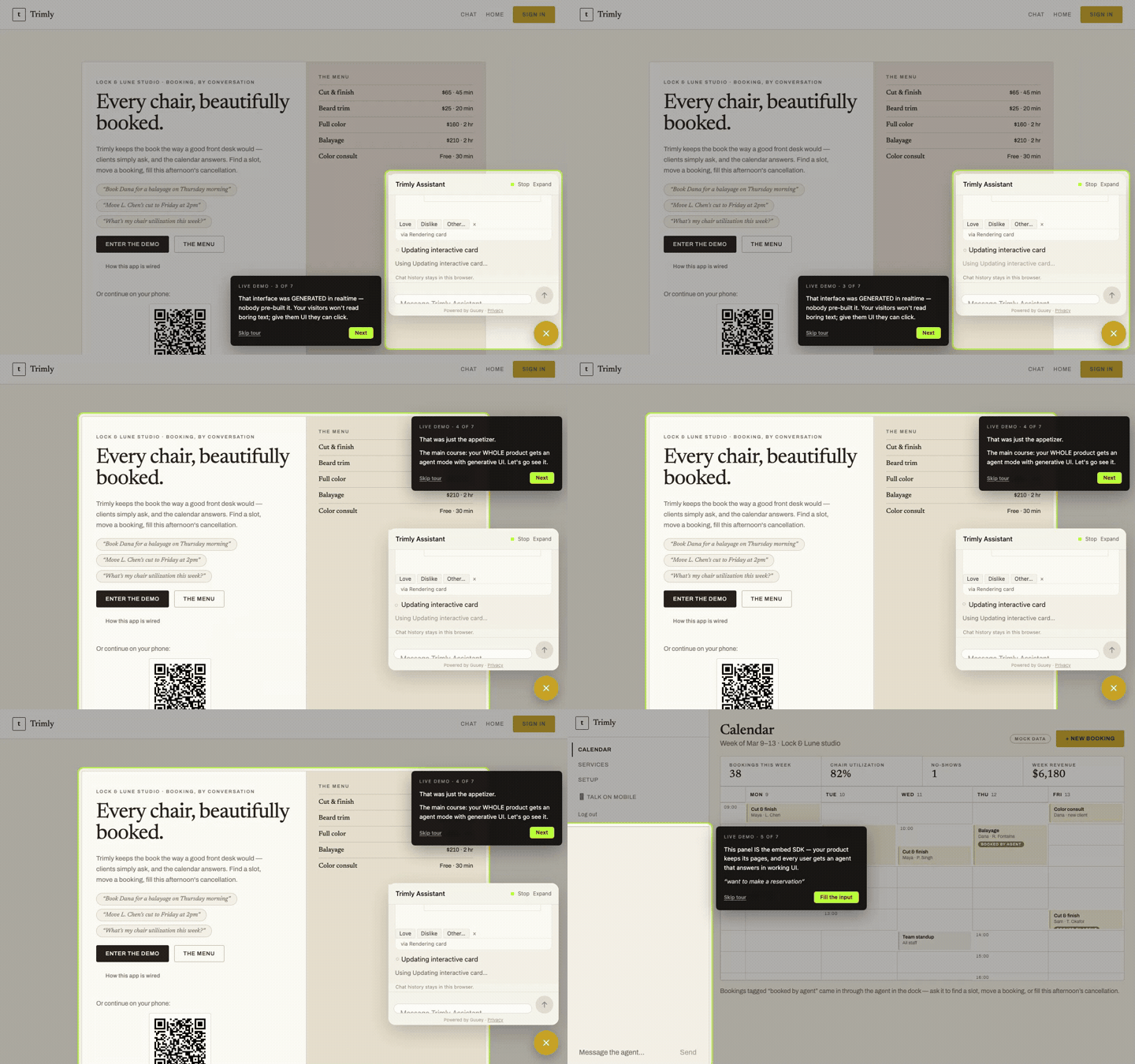
The fourth stop is a hinge. The card over the page calls everything so far the appetizer, and names the main course: the whole product gets an agent mode with generative UI. The tour then leaves the landing page and goes into the app.
Stop 5: the embed SDK
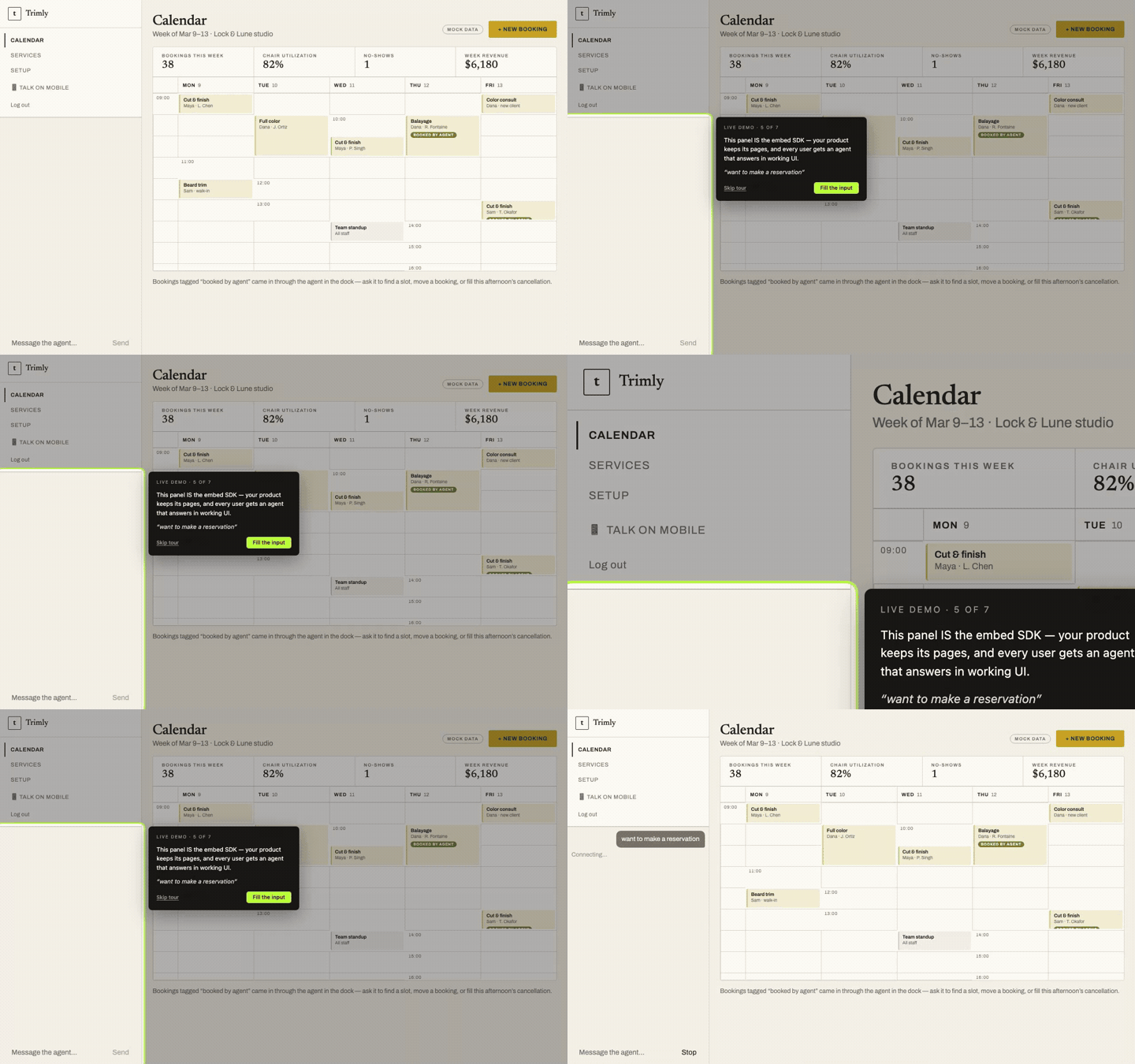
Inside Trimly the calendar page for the week is up, with the stat tiles a salon owner would expect and a grid of bookings, several of them tagged as booked by the agent. In the left sidebar sits an agent dock, and the tour’s card explains that the dock is the embed SDK: the product keeps its pages, and every signed-in user gets an agent that answers in working UI right there.
Stop 6: the canvas
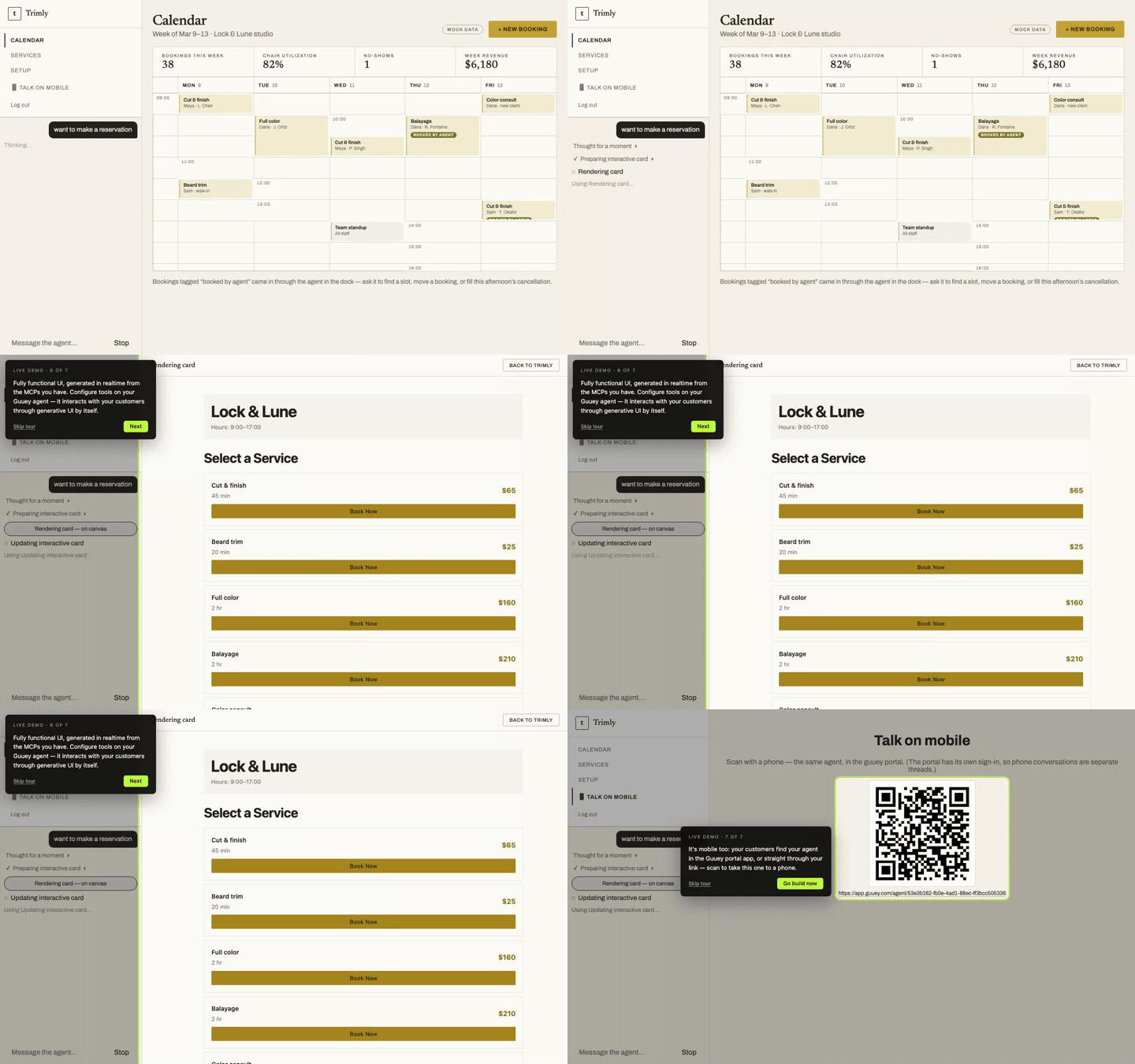
The tour types “want to make a reservation” into the dock. The same status lines run, this time ending in a card rendered on canvas, and the main pane of the app is replaced by an interface the agent drew: the salon’s name and hours, a Select a Service list, and a Book Now button on each row. The card over it says what makes this possible: fully functional UI, generated in realtime from the MCP servers the agent has, so configuring tools on the agent is how it learns to act.
Stop 7: the phone
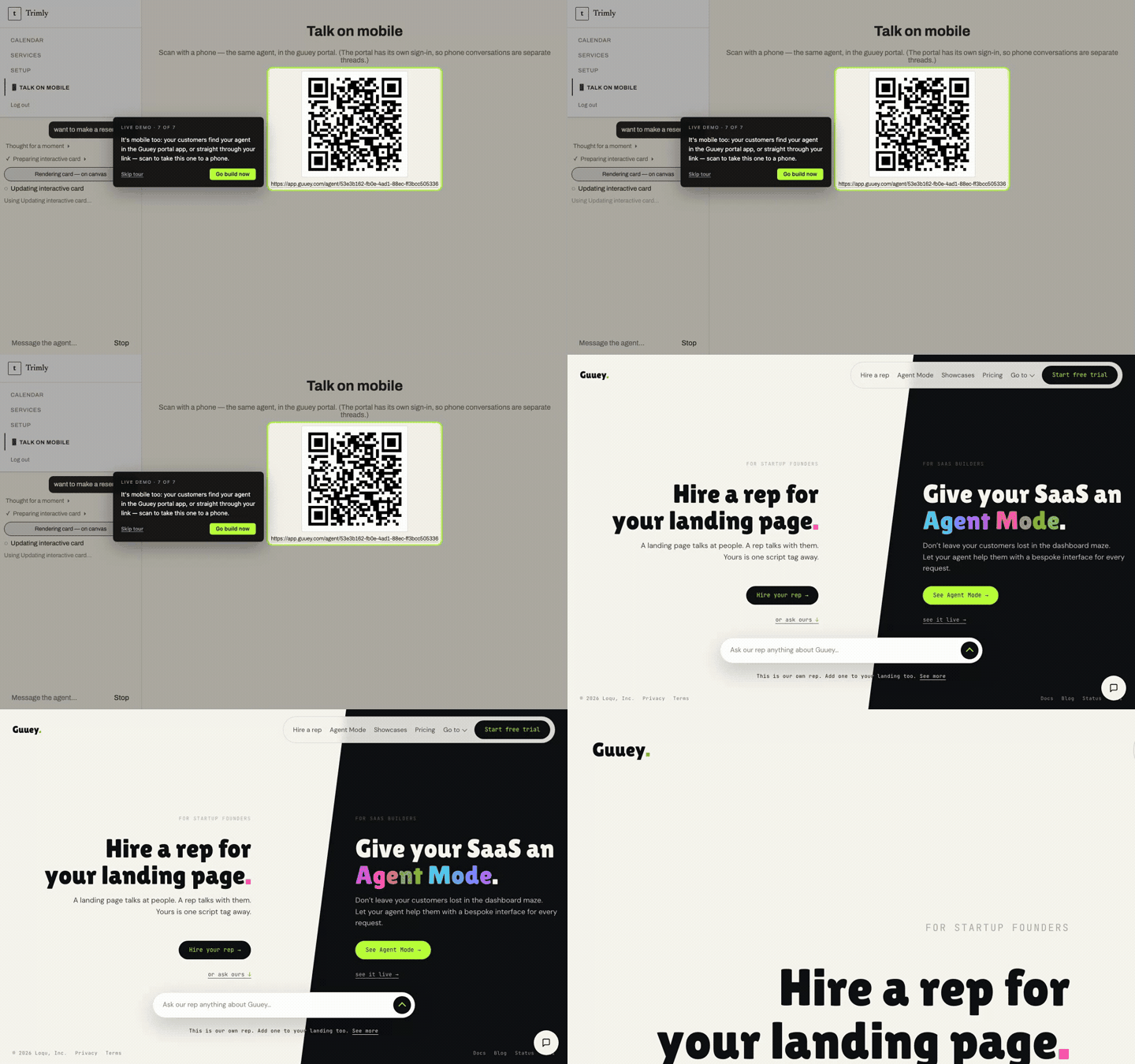
The last stop is a page called Talk on mobile: a QR code and a link to the same agent in the Guuey portal app, so a customer can carry the conversation to a phone. The tour’s final button reads Go build now, and it lands on guuey.com, where both doors sit side by side.
Both doors, in order
One agent, one brief, three surfaces. Stops 1 to 3 are the widget door from the first post: an agent on the landing page in one script tag, answering visitors who never signed in. Stops 4 to 6 are the SDK door from the second post: agent mode inside the product, drawing interfaces into the app’s own pane. Stop 7 is the portal, the same agent in Guuey’s app. None of the demo’s answers were hand-coded; the services card, the canvas menu, and the booking buttons were all drawn at request time from the tools the agent had.
The honest print
Trimly is a demo, and we would rather say so than let the frames imply more. The salon, its staff, and its bookings are fiction, seeded so the calendar has something to show. The interfaces are generated live on every run, so what you see on the demo will not be pixel-identical to the frames above; the shape is the same, the details move. The tour cards are ours, a script injected into the demo and nowhere else. Guest conversations stay in the visitor’s browser and are not saved to an account. And the demo runs on Guuey’s default MCP server, the one that speaks ggui; aim an agent at a server without it and the answers come back as text.
Try it
Open the live demo and the tour starts itself; the corner control replays it. Then hire one of your own: a rep for your landing page in one script tag, or agent mode in your app with the SDK. Guuey is in public beta preview, and a new app starts on a 7-day free trial.